
RemoveMate

Unblur Image with AI

Make a blurry photo clearer with AI. Upload your image to reduce softness, bring out detail and preview the result before downloading.

10 free credits every day. No account required. 1 credit per image.

Reduce blur and improve clarity automatically.

Try an example

A curly-haired woman in an ochre sweater outdoors, before editingA curly-haired woman in an ochre sweater outdoors, after editingBeforeAfter

Bring the details back to the photos you keep

From a family album to a close-up of something small, give a soft photo another look.

A black-and-white photograph of an older couple on a porch, before editingA black-and-white photograph of an older couple on a porch, after editingBeforeAfter

Family albums

Give an old memory a little more clarity

A soft scan does not have to stay tucked away. Try improving the definition of faces and clothing while keeping the original black-and-white character.

Try Prompt: "Make the faces clearer. Keep the photo black and white and preserve the natural grain."

Unblur your image
A fig and ricotta tart on a ceramic plate, before editingA fig and ricotta tart on a ceramic plate, after editingBeforeAfter

Food photography

Let the textures tell the story

Bring out a flaky crust, sliced fruit or a carefully plated dish. A clearer food photo can make the ingredients easier to see without changing the mood of the shot.

Start with Auto, then compare the food and small garnishes at full size.

Unblur your image
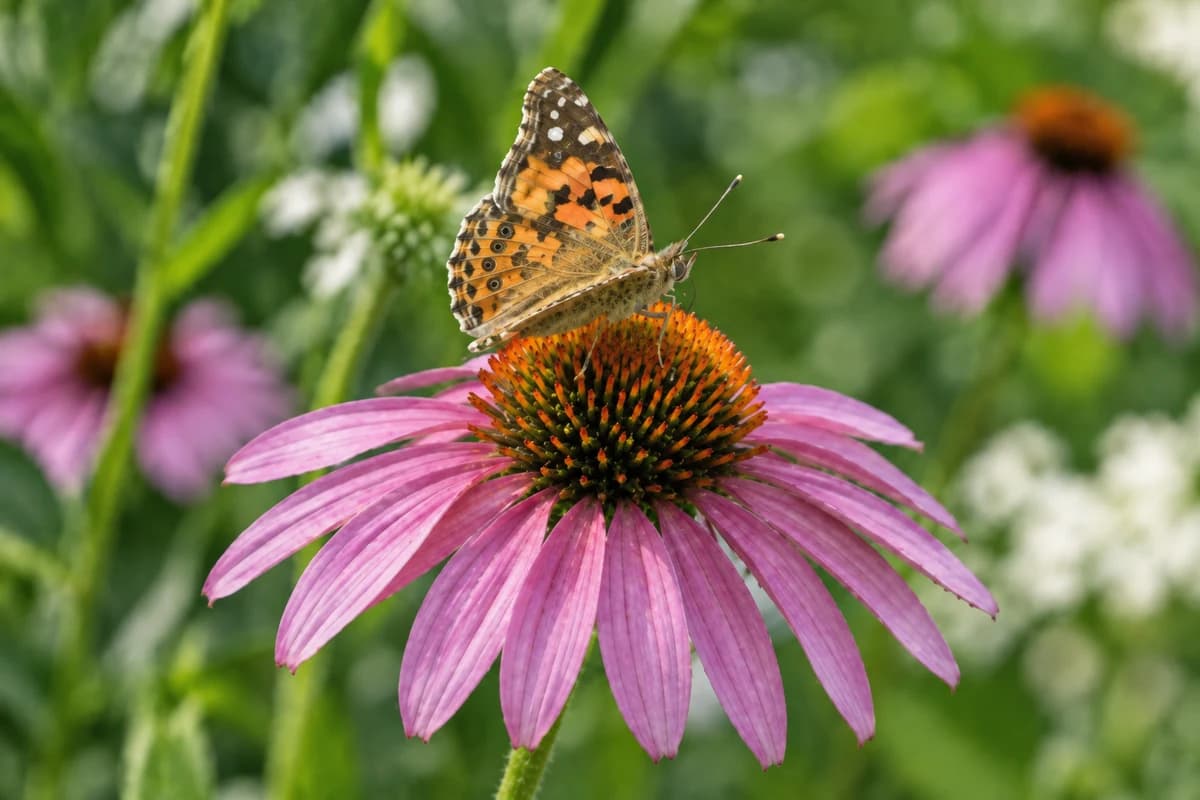
An orange butterfly resting on a purple coneflower, before editingAn orange butterfly resting on a purple coneflower, after editingBeforeAfter

Nature close-ups

Focus on the small things

Try reducing softness around a flower or butterfly while keeping the background gently out of focus. Prompt lets you explain which subject deserves the attention.

Try Prompt: "Sharpen the butterfly and flower. Keep the soft background and natural colors."

Unblur your image
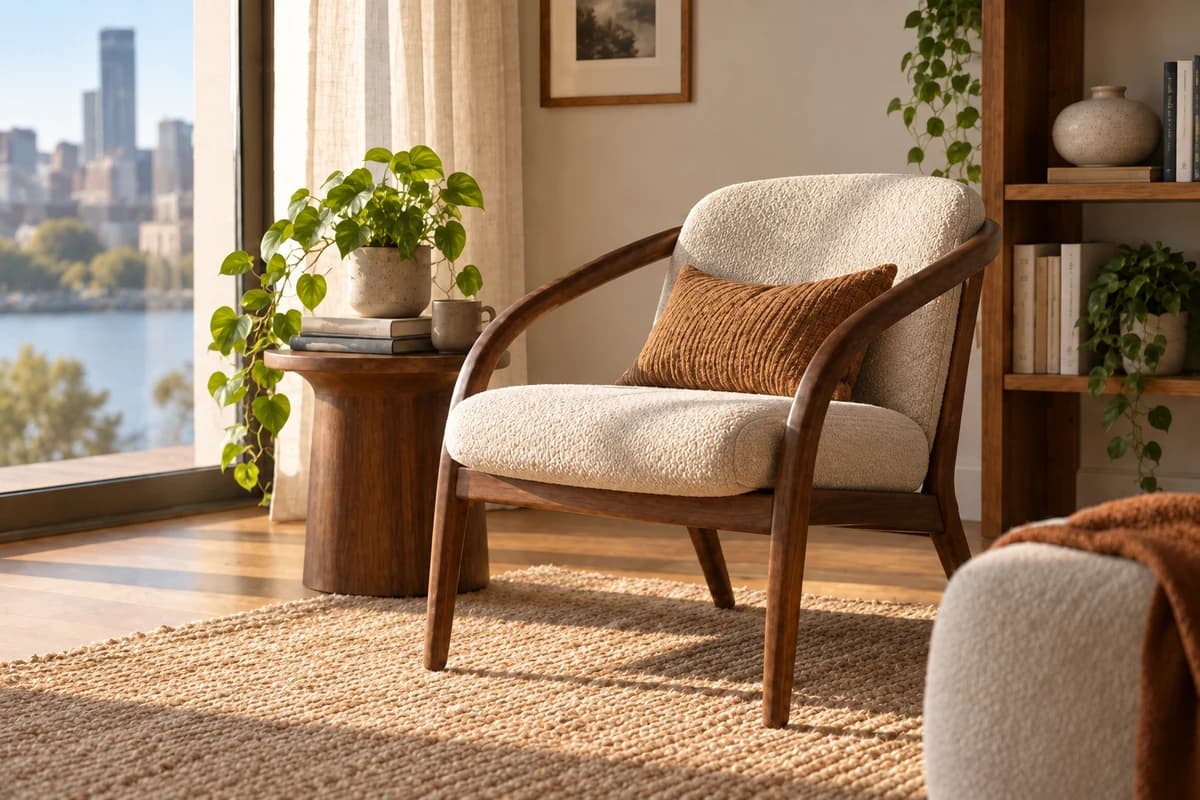
A walnut reading chair beside a sunlit window, before editingA walnut reading chair beside a sunlit window, after editingBeforeAfter

Spaces and interiors

Show the room in finer detail

Improve definition in the furniture, textiles and wood grain of a slightly blurry interior photo. Keep the light and atmosphere that made the room worth photographing.

Check straight edges and fabric patterns against the original before publishing.

Unblur your image

Unblur images, before and after

Faces, fabric, distant buildings and fur. Drag the sliders to compare the details that matter.

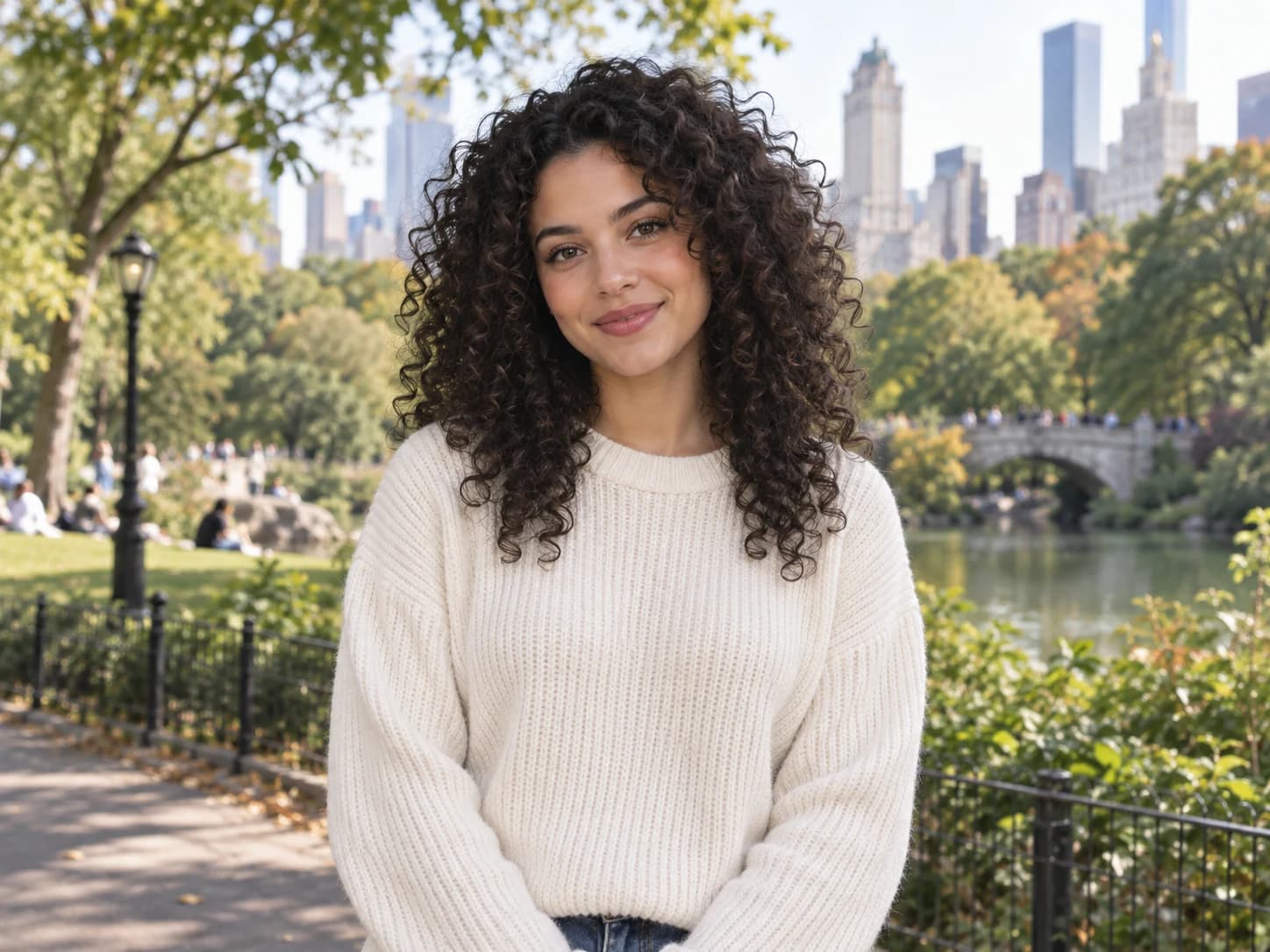
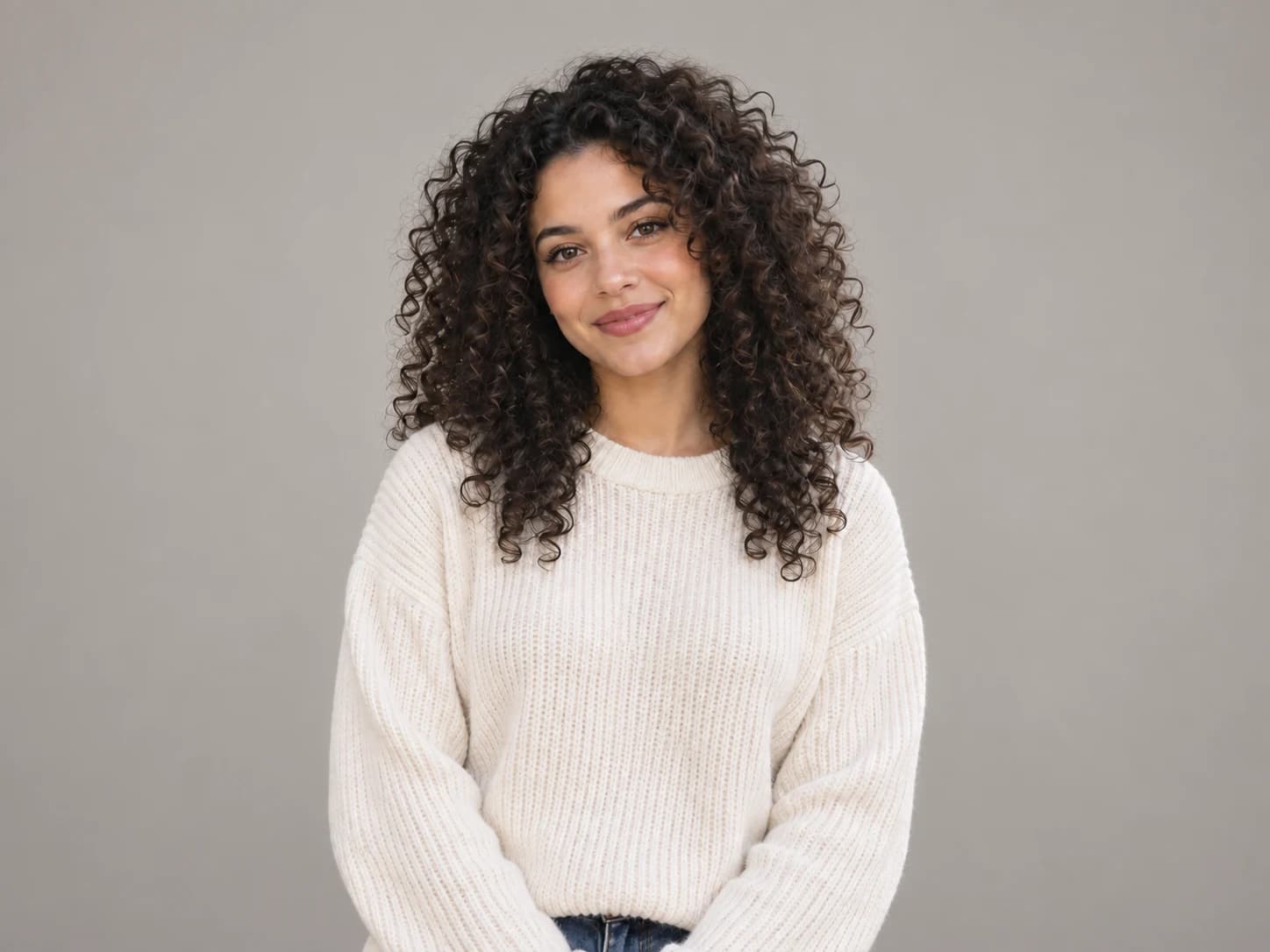
A curly-haired woman in an ochre sweater outdoors, before editingA curly-haired woman in an ochre sweater outdoors, after editingBeforeAfter

A clearer face, a familiar expression

Compare the eyes, hair and knit texture. Look for a clearer portrait that still feels like the person in your photo.

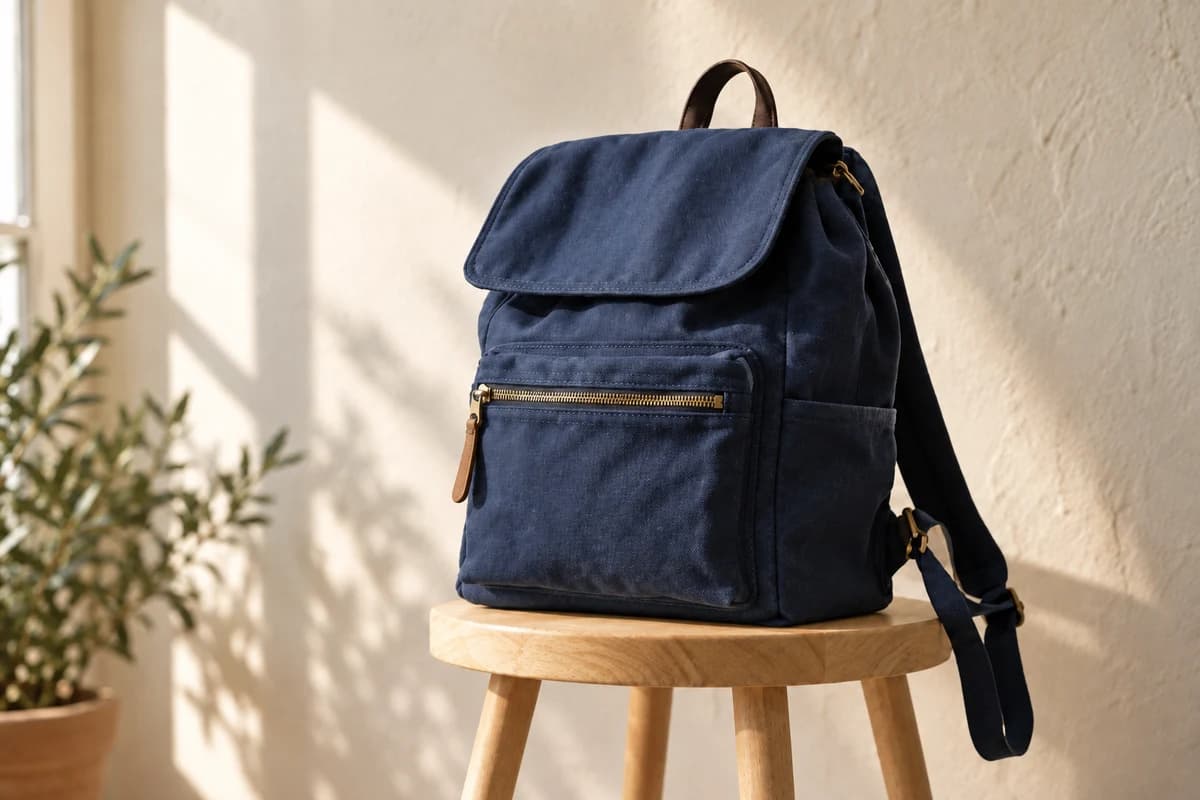
A navy canvas backpack on an oak stool, before editingA navy canvas backpack on an oak stool, after editingBeforeAfter

Give product textures more definition

Bring out fabric, stitching and edges in a slightly soft product shot. Check small details before using it in a listing.

A red fishing boat in a colorful coastal harbor, before editingA red fishing boat in a colorful coastal harbor, after editingBeforeAfter

Keep more of the places you remember

Reduce softness in a travel snapshot and take another look at the boats, buildings and reflections.

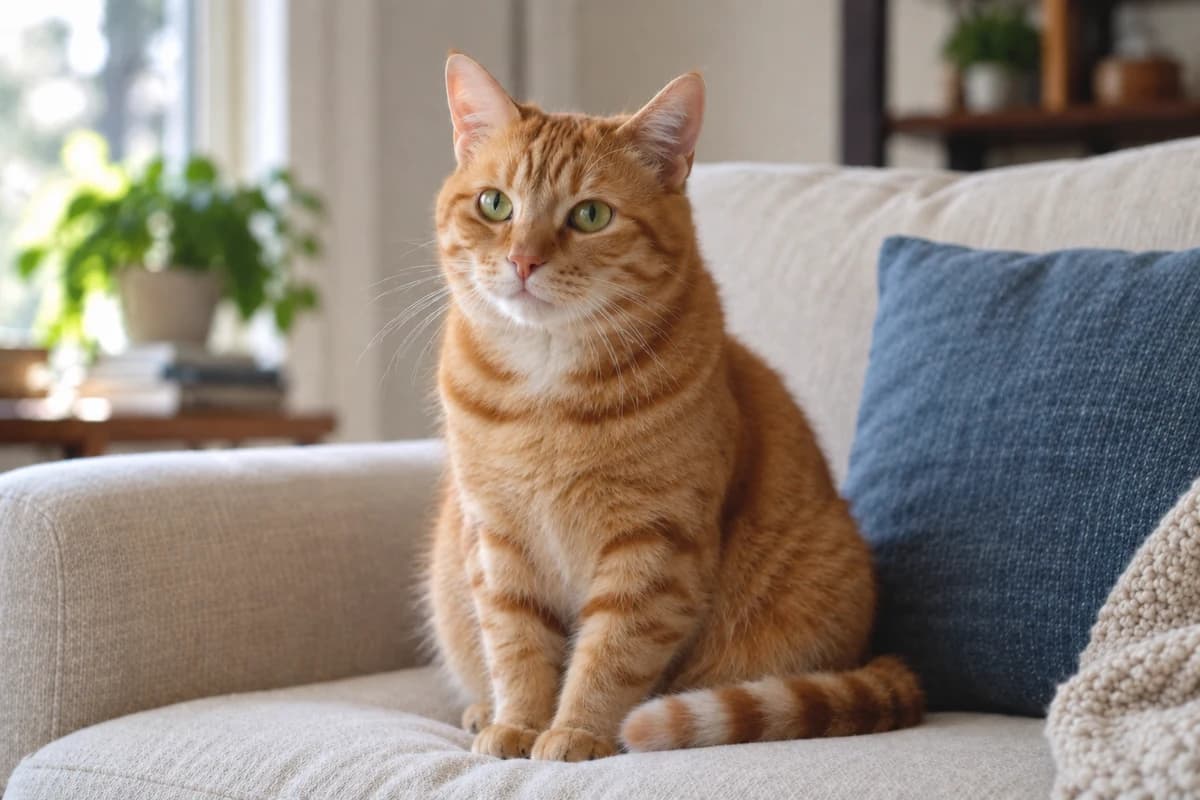
A ginger cat sitting on a cream sofa, before editingA ginger cat sitting on a cream sofa, after editingBeforeAfter

Catch the whiskers you nearly missed

Try a clearer version of a favorite pet photo, with attention to the eyes and fur rather than harsh outlines.

Results depend on the original photo. Mild softness is a better starting point than heavy blur.

How to unblur an image

  1. 1

    Upload the clearest available copy of your blurry image.

  2. 2

    Choose Auto, or use Prompt to describe what should look clearer. Select Unblur image.

  3. 3

    Compare faces and fine details, then download the version you want to keep.

Frequently asked questions

More ways to clean up a photo

Remove background

Keep the subject and remove the scene around it.

AI Watermark Remover

Remove an outdated watermark from your own catalog images before adding them to a refreshed listing.

Remove Text from Image

Remove an old caption or camera date stamp from a picture before printing or sharing it again.

RemoveMate

Try it on your own image

Upload, review and download. Keep the result that works for you.

Unblur image