
RemoveMate

Remove Text from Image

Remove text from an image with AI. Clean up captions, dates and lettering, then preview and download the edited picture. Use Auto for all lettering, or Prompt to choose what to remove.

10 free credits every day. No account required. 1 credit per image.

Remove all visible text automatically.

Try an example

A sage green ceramic mug on cream linen, before editingA sage green ceramic mug on cream linen, after editingBeforeAfter

Keep the image. Make room for a new message.

Clear an old promotion, refresh a design or reuse a favorite photo without starting from scratch.

Croissants, coffee and berries on a cream tabletop, before editingCroissants, coffee and berries on a cream tabletop, after editingBeforeAfter

Menus and promotions

Give yesterday’s special a fresh start

Reuse your food photography after a promotion ends. Remove an old headline and let the plate, coffee and table setting work in a new design.

Auto targets all visible lettering. Choose Prompt when some menu text needs to stay.

Remove text from your image

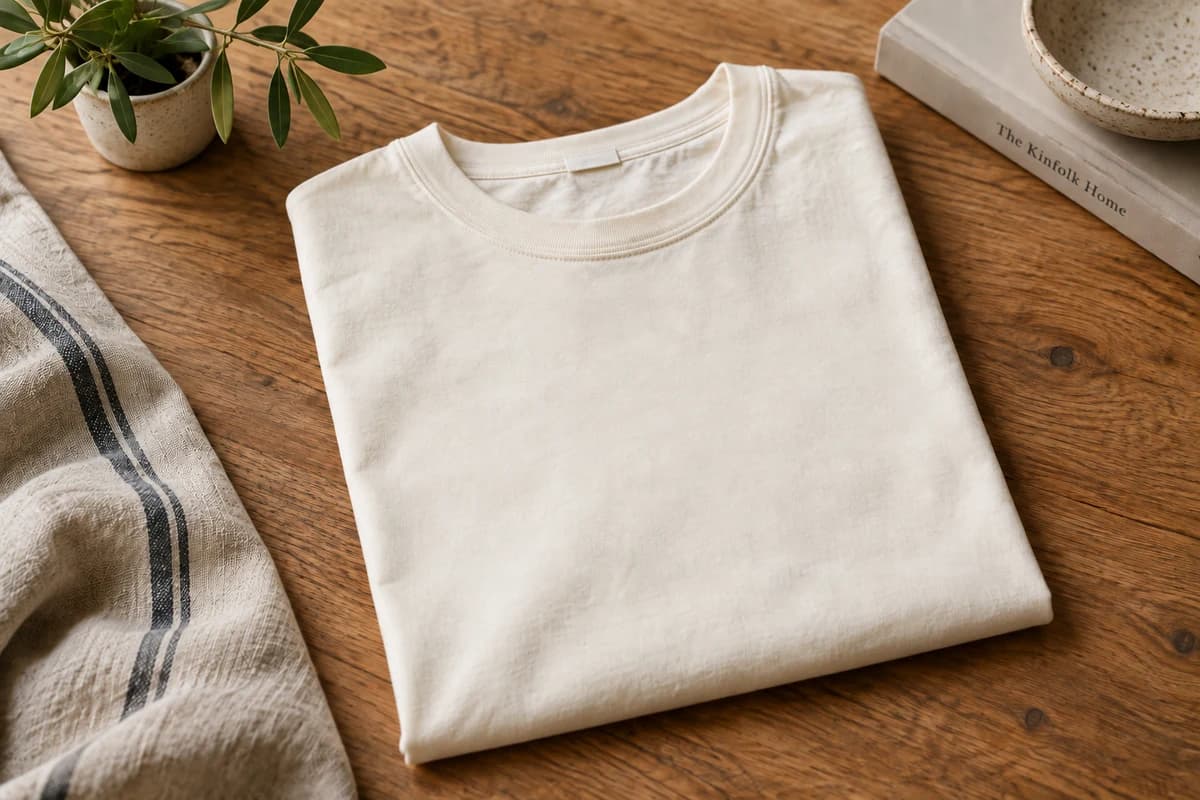
A folded cream cotton T-shirt on an oak table, before editingA folded cream cotton T-shirt on an oak table, after editingBeforeAfter

Product mockups

Clear the slogan for your next design

Remove lettering from your own apparel mockup to create a blank starting point. Review the fabric folds and texture before adding a new design.

Try Prompt: "Remove WEEKEND CLUB from the shirt. Keep the fabric, book and everything else."

Remove text from your image
A bright living room with a cream sofa and walnut table, before editingA bright living room with a cream sofa and walnut table, after editingBeforeAfter

Property listings

Refresh a listing without the old banner

An expired open-house announcement does not need to cover the room forever. Clear the banner from your own photo and reuse the full composition.

Try Prompt: "Remove the entire green open-house banner and its text. Keep the room unchanged."

Remove text from your image
A garden dinner table with wildflowers and string lights, before editingA garden dinner table with wildflowers and string lights, after editingBeforeAfter

Event graphics

Keep the atmosphere, change the occasion

Remove an old event title and date from an invitation image. Use the cleaned photo as a starting point for the next gathering.

Review details behind the old lettering, especially flowers, glasses and fine lines.

Remove text from your image

Remove text from pictures, before and after

From an old sale caption to a single unwanted line. Drag each slider to see what changes and what stays.

A sage green ceramic mug on cream linen, before editingA sage green ceramic mug on cream linen, after editingBeforeAfter

Retire the sale, reuse the product photo

Clear an outdated offer from your own catalog image so the product can be used in a fresh listing or campaign.

A blue doorway and bougainvillea overlooking the sea, before editingA blue doorway and bougainvillea overlooking the sea, after editingBeforeAfter

Keep the view without the caption

Remove an old caption and date stamp without cropping away part of the scene.

An alpine lake reflecting mountains at sunrise, before editingAn alpine lake reflecting mountains at sunrise, after editingBeforeAfter

Start your next post with a clean image

Clear a quote from your own social graphic and make space for a new layout, crop or message.

A green cafe storefront with a physical CAFE sign, before editingA green cafe storefront with a physical CAFE sign, after editingBeforeAfter

Remove one message, keep the sign

Use Prompt to remove the weekend caption while asking to preserve the café sign and chalkboard lettering.

Results vary with the lettering and the background beneath it. Review the edited areas before sharing.

How to remove text from an image

  1. 1

    Upload the picture containing the text you want to remove.

  2. 2

    Choose Auto to clear all text, or Prompt to describe specific lettering. Select Remove text.

  3. 3

    Check the rebuilt areas and download the edited picture as a JPG.

Frequently asked questions

More ways to clean up a photo

Remove background

Keep the subject and remove the scene around it.

AI Watermark Remover

Remove an outdated watermark from your own catalog images before adding them to a refreshed listing.

Unblur Image with AI

Improve definition around eyes, hair and clothing while checking that facial features still look right.

RemoveMate

Try it on your own image

Upload, review and download. Keep the result that works for you.

Remove text